
1) Manually mode:
- Access to the Paperlit Dashboard, in the Content section click on the issue's cover
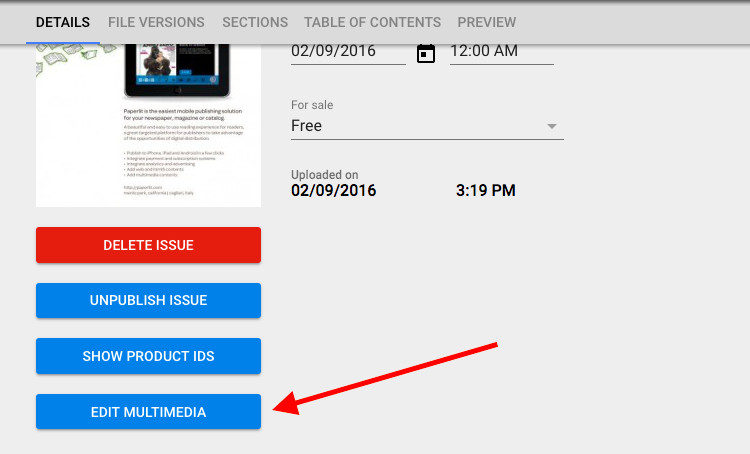
- Select Edit Multimedia
- Select "Article" from the drop menu "Annotation type":
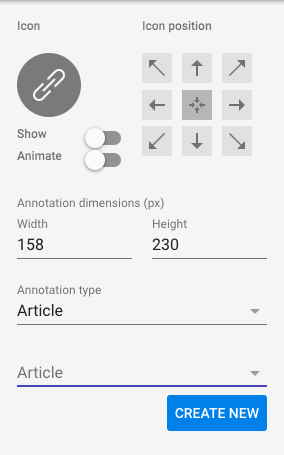
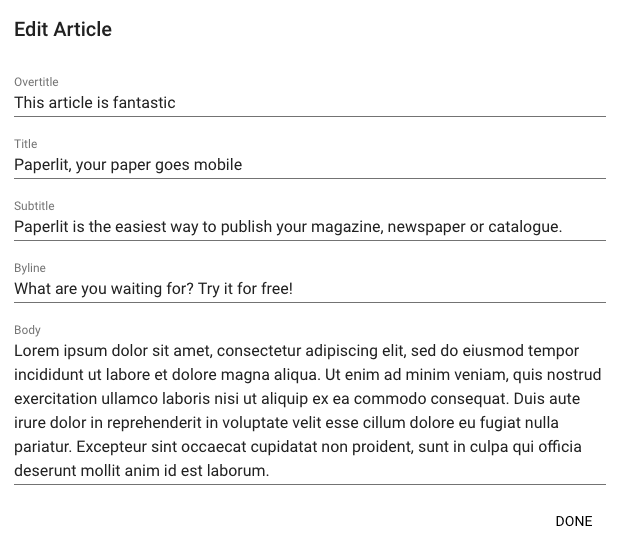
- Click on "Create new" and fill the fields:
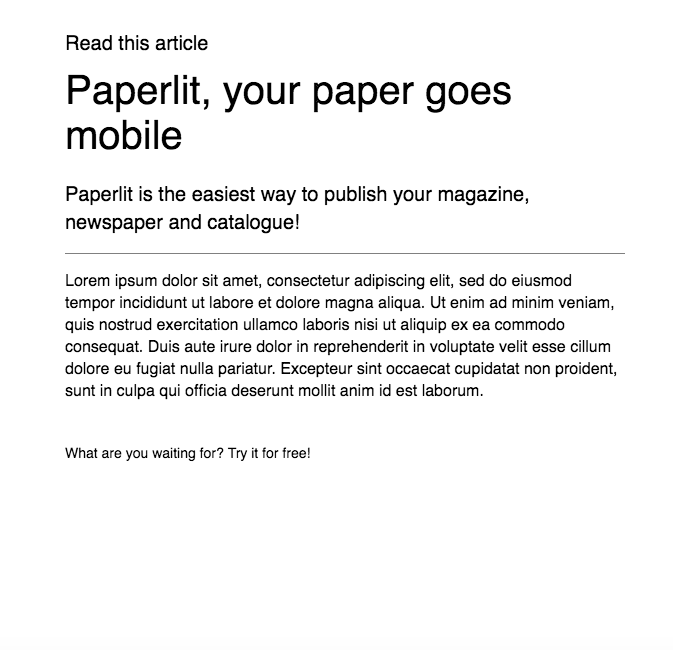
- This will be the result:
2) Automatic mode:
See the attached specs.
Comments
0 comments
Article is closed for comments.